
R1BBIT makes embedded systems and IoT approachable in the classroom. Students write device logic in a simple, BASIC-style language — no C, no Arduino setup, no toolchain to install. That means a class can go from a blank board to a working, connected device inside a single lesson, and spend their time learning concepts instead of fighting tooling.
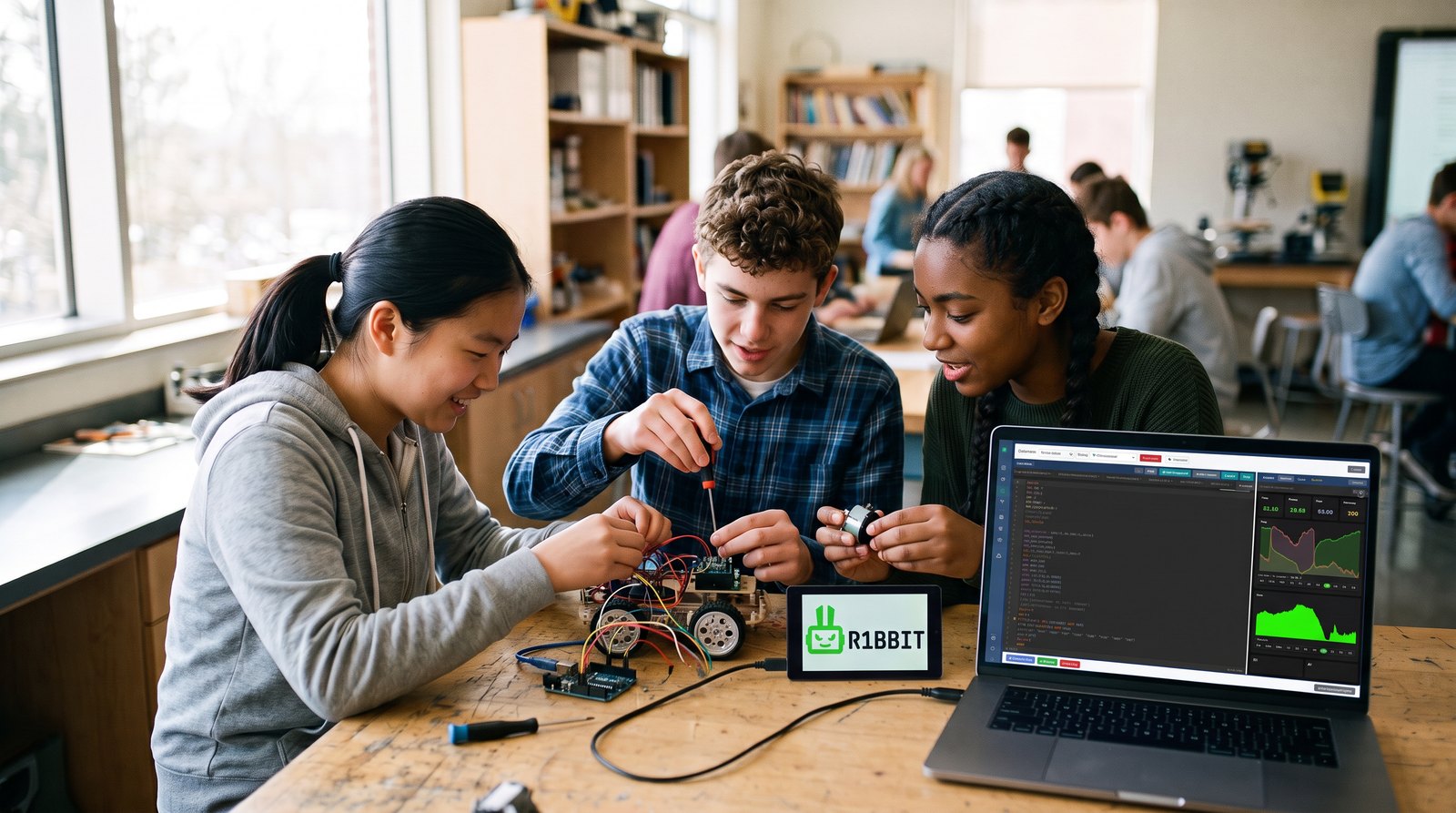
What a student walks away with
The point is not the syntax of one more language. It is the handful of ideas that carry over to every board and every language they meet afterwards.
- A program is a sequence — instructions run in order, and a loop repeats them.
- Variables hold the world — a sensor writes into one, and the script decides what it means.
- Conditions make decisions — the difference between a device that reports and a device that acts.
- Hardware is declared, not guessed — pins, buses and drivers sit in a block the student can read.
- Devices talk to people — a reading becomes a chart on a phone and an alert when something is wrong.
A term in three lessons
Nothing here is a demo that only the teacher can run. Each step is a whole working device the class builds, and each one adds exactly one idea to the last.
First lesson — something happens
An LED, a handful of lines typed in the browser, and the board starts blinking. About twenty minutes including the very first flash. It carries the three ideas everything else rests on: instructions run in order, a loop repeats them, and time is counted in milliseconds.
A month in — the room has numbers
A temperature and humidity sensor goes onto the same board. Two lines set it up, and the readings start arriving in the editor by themselves. Now the variables hold something real, and the lesson can be about what the numbers mean rather than how to fetch them.
End of term — the device decides
One line publishes the readings, so they draw themselves as a chart in the mobile app. Another sends a push when the room gets too warm. Nobody wrote a server, a database or an API, and the student has built a connected device.
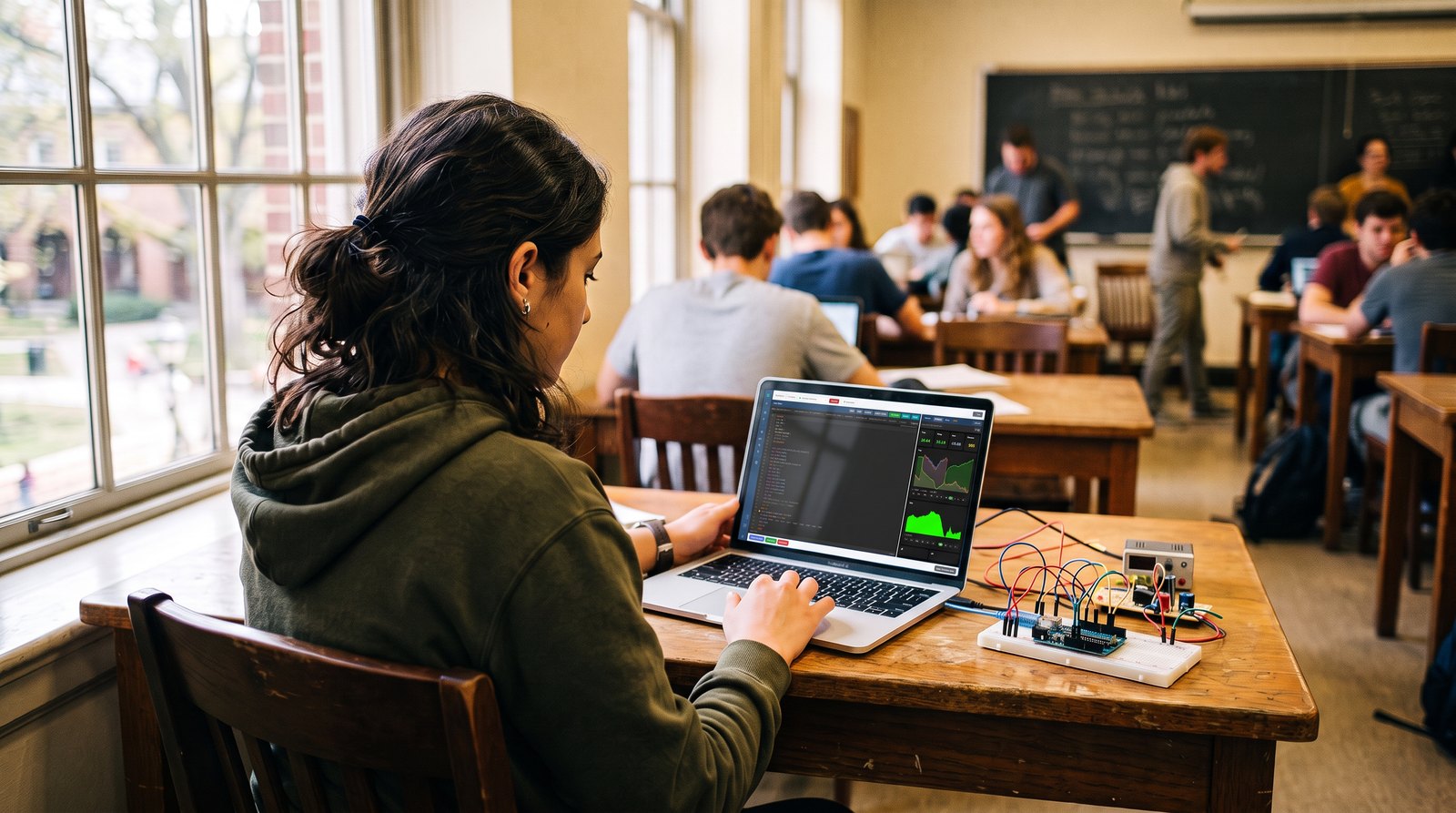
Why it works in the classroom
- Minimal learning curve — if a student can read English, they can program a device.
- Safe to experiment — scripts run in an isolated interpreter, so a bug stops the script but never bricks the board.
- Nothing to install — flash and code straight from the browser on any computer.
- Affordable hardware — runs on low-cost ESP32 boards students can actually own.
- Instantly rewarding — live mobile dashboards and charts keep learners engaged from day one.
What a class needs
- A browser on whatever machines the room already has — laptops, desktops or Chromebooks.
- An ESP32 board per student or per pair, from a few dollars each.
- One USB cable, used once, for the very first flash; everything after that goes over the air.
- An LED or a sensor for the first scripts to point at.
No administrator rights, no licences and no lab image for anyone to maintain. What a student writes at school opens unchanged at home, because the scripts live in the cloud rather than on one machine in one room.
What it asks of a student
Reading English, simple arithmetic, and the patience to follow a sequence. No prior programming is assumed and there is nothing to memorise before the first working result: the editor suggests commands as they type and reports a mistake on the line where it happened, in plain words rather than a compiler dump.
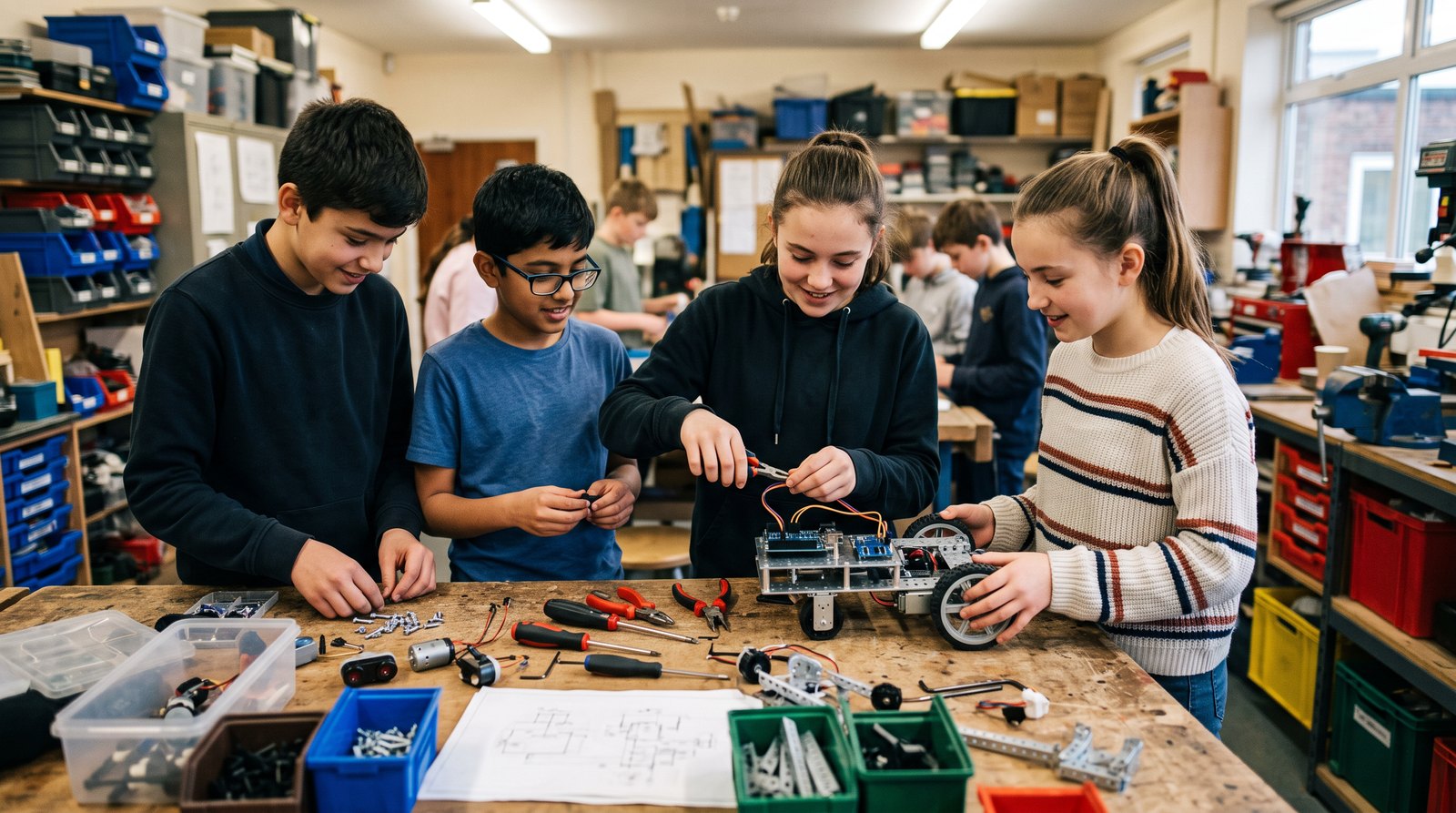
Great for
- STEM and electronics courses
- Science experiments and sensor projects
- Robotics clubs and after-school programs
- Hackathons and maker days
- Capstone and final-year projects
What teachers get
- A template gallery in the editor — working starting points for displays, GPIO and peripherals, LED matrices, monitoring, multimedia and on-screen widgets.
- Documentation in five languages — English, Russian, Spanish, French and German, sixteen sections covering the commands with syntax and examples.
- A ready configuration for every supported board — the pins and drivers are already written, so a lesson is not spent on wiring tables.
- A forum for questions, and example projects to borrow from.